Free Apple Developer Account: What You Get Without Paying
Any regular Apple ID gives you limited access to developer tools with no $99/year payment — enough for learning and local testing, but not enough to publish on the App Store. Here’s exactly where the line sits.
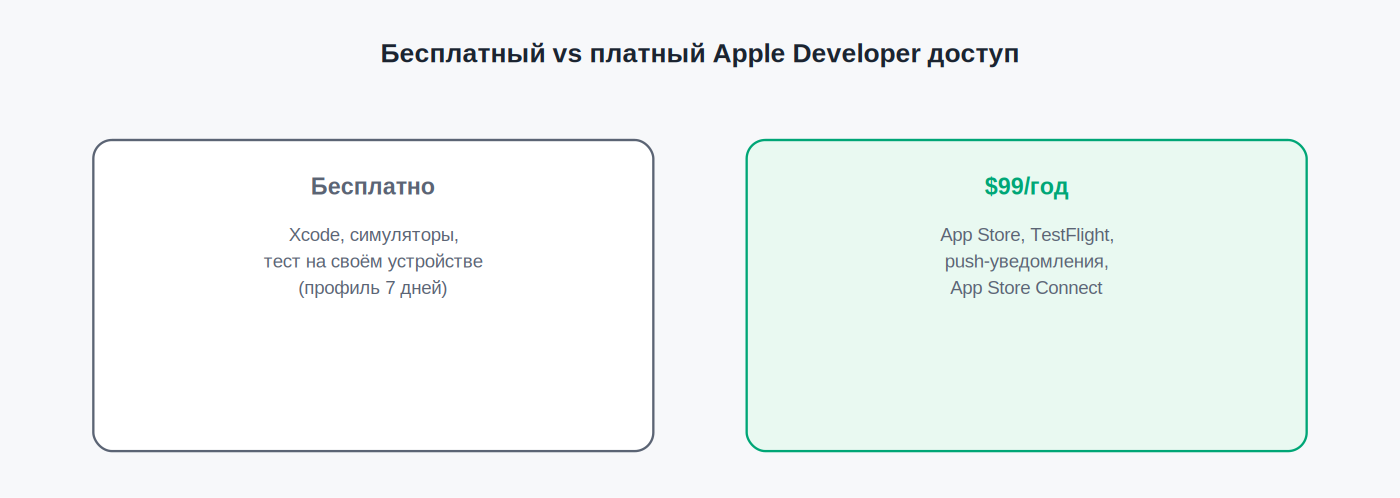
What’s available for free
- Xcode and simulators — full access to the development environment, with no payment-related restrictions.
- Testing on your own physical device — you can run and debug your app on your own iPhone/iPad/Mac by connecting it directly to Xcode (bypassing a portal-issued provisioning profile).
- Access to part of the documentation and resources at developer.apple.com.
- Creating a limited-duration Development certificate — typically valid for 7 days, for local debugging.
What’s not included for free
- Publishing on the App Store — not possible under any circumstances without paid membership.
- TestFlight — distributing beta builds to testers isn’t available.
- Push notifications, iCloud, Sign in with Apple, and other advanced capabilities — most Apple services requiring server-side registration through the portal are unavailable.
- App Store Connect — no access at all to the app management dashboard, financial reports, or TestFlight.
- Long-lived provisioning profiles — local test builds need reinstalling every 7 days instead of the year-long duration paid certificates get.
- Access to iOS/macOS betas before their public release.
Who free access is enough for
- Students and beginners learning Swift and iOS development with no publishing goal.
- Developers testing a proof of concept before committing $99 to the full program.
- Internal experiments where the app will never leave the developer’s own device.
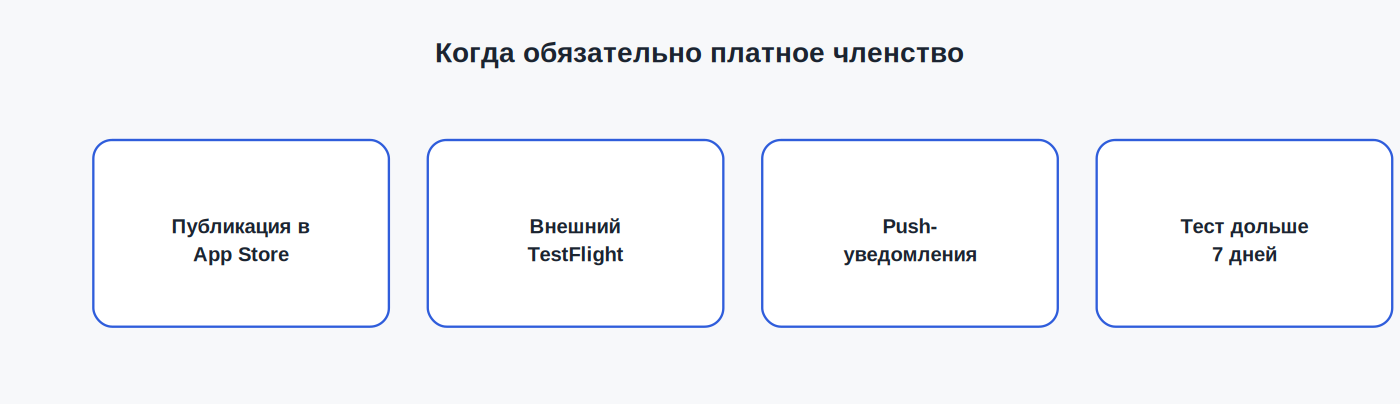
When to upgrade to paid membership
Paid membership becomes mandatory the moment you need any of the following:
- publish an app on the App Store, even a free one;
- distribute a beta build through TestFlight to even one external tester;
- use push notifications or other server-side Apple capabilities;
- test for longer than 7 days without reinstalling the build on the device.
FAQ
Can I upgrade from free to paid access without losing anything?
Yes — paid membership simply expands what the same Apple ID can do; no settings or data are lost during the upgrade.
Is there a limit on how many free Apple IDs I can use for testing?
There’s no formal limit on the number of Apple IDs, but abusing multiple accounts to work around restrictions can get you locked out by Apple.
Can I test push notifications without a paid account?
No — push notifications require registration through the developer portal and a certificate only available with paid membership.
This article is independent and not affiliated with Apple Inc. For official information, see developer.apple.com/support/compare-memberships.
Related: Why Apple Rejects Your Developer Program Application · How Much Does a Developer Account Cost: Apple vs Google Play · Certificates, Identifiers & Profiles: A Beginner’s Guide