Managing Published Apps: Apple and Google Play
Work on an app doesn’t end at first publication — updates, metadata changes, temporarily unpublishing, and archiving all follow their own separate processes on each platform. Here are the main operations.
Updating an app
Apple
Every update goes through its own App Review cycle (see the separate publishing article). Metadata (description, screenshots) can be updated independently of a new build — not every description change requires uploading a new binary.
Google Play
Updates are also reviewed, but usually faster than the initial publication. Staged rollout lets you gradually roll out an update, watching stability on a slice of the audience before a full release.
Temporarily unpublishing an app
Apple
In App Store Connect, you can move an app to “Remove from Sale” — it stops being available for new downloads, but the app keeps working for users who already installed it. Restoring it to sale is a one-click reverse operation.
Google Play
A similar function exists as “Unpublish app” in Play Console. The app is hidden from the Store Listing, but data and settings are preserved, and publication can be restored anytime.
Archiving and deletion
Apple
Fully deleting an app’s data from App Store Connect is irreversible, distinct from simply removing it from sale. Recommended only for apps that definitely won’t be reused.
Google Play
Google Play distinguishes between “Unpublish” (reversible) and fully deleting an app from the console (irreversible, available under certain conditions, including having no active user subscriptions).

Managing multiple versions and platforms at once
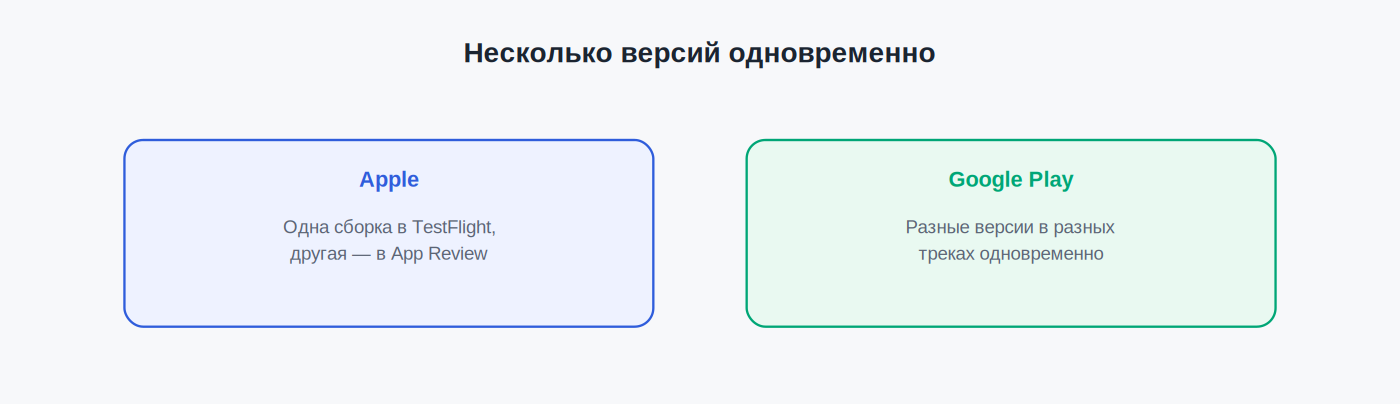
Both consoles support several versions existing in parallel:
- Apple: different builds can sit at different stages (one in TestFlight, another already in App Review).
- Google Play: different versions can simultaneously live in different tracks (production, open testing, closed testing) — letting you test the next version while the current one runs in production.
Managing many apps at scale
For a portfolio of many apps, manual management through the web UI becomes unwieldy:
- Apple: the App Store Connect API lets you automate status checks, metadata updates, and review monitoring across many apps at once (see the getting-started API article).
- Google Play: similarly, using the Google Play Developer API and a Service Account (see the dedicated article), you can automate publishing and monitoring across multiple apps.
FAQ
Can I change an app’s name after it’s published?
Yes — on both platforms, the name can be changed anytime through the metadata; it doesn’t require a new build, but it can affect recognition among existing users.
What happens to reviews and ratings when an app is temporarily unpublished?
Reviews and ratings are preserved on both platforms — unpublishing doesn’t delete accumulated history; it comes back with the app when republished.
Do I need to notify users before unpublishing an app?
Neither Apple nor Google has a formal requirement, but for apps with active subscriptions, it’s advisable to warn users in advance to avoid negative reviews and refund requests.
This article is independent and not affiliated with Apple Inc. or Google LLC. For official information, see developer.apple.com/app-store-connect and support.google.com/googleplay/android-developer.
Related: How to Publish an App on the App Store: Step-by-Step · How to Publish an App on Google Play: Step-by-Step · Sales Reports and App Analytics: Apple vs Google Play